
-
Created by
 mkcummins, last updated by Mia Bentel on Aug 11, 2026
3 minute read
mkcummins, last updated by Mia Bentel on Aug 11, 2026
3 minute read
Also known as: aside callout
Description
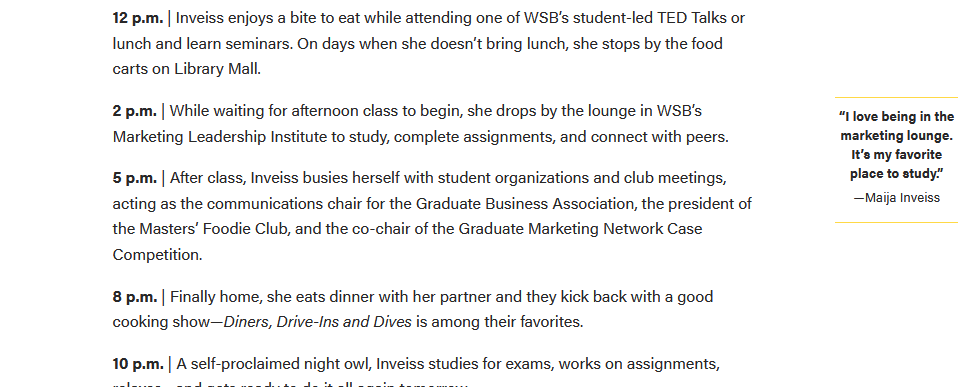
The aside is a snippet of text that appears in the margins of articles/posts.
Design
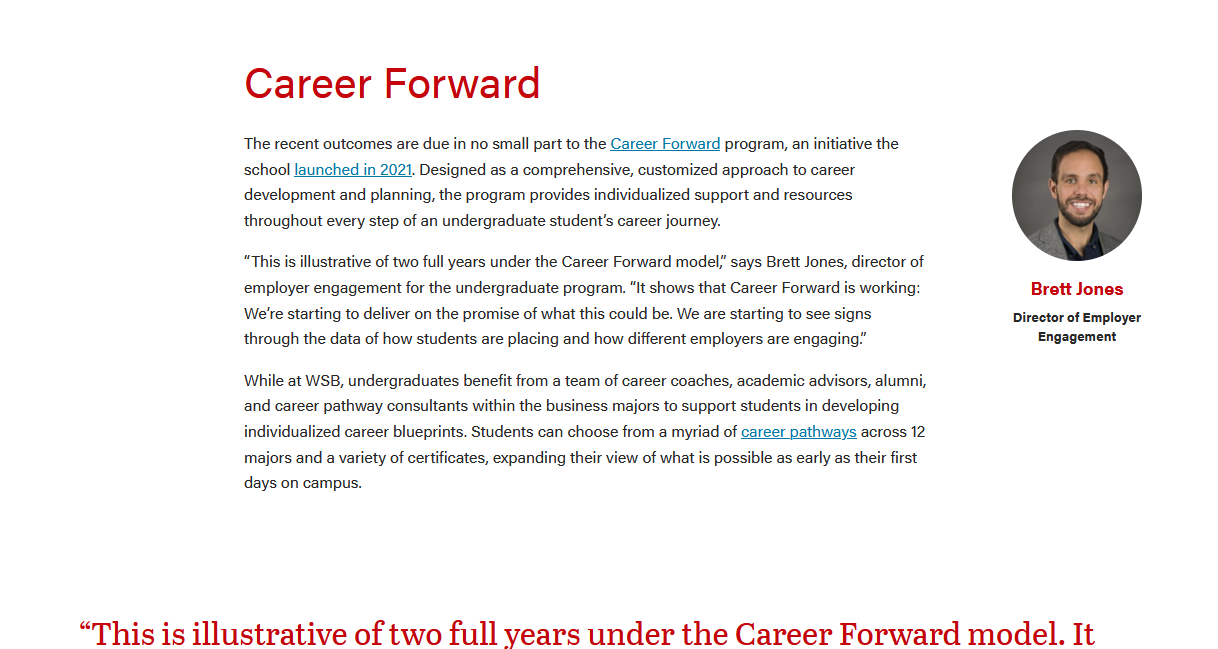
Person with photoDesktop view
Tablet and mobile views
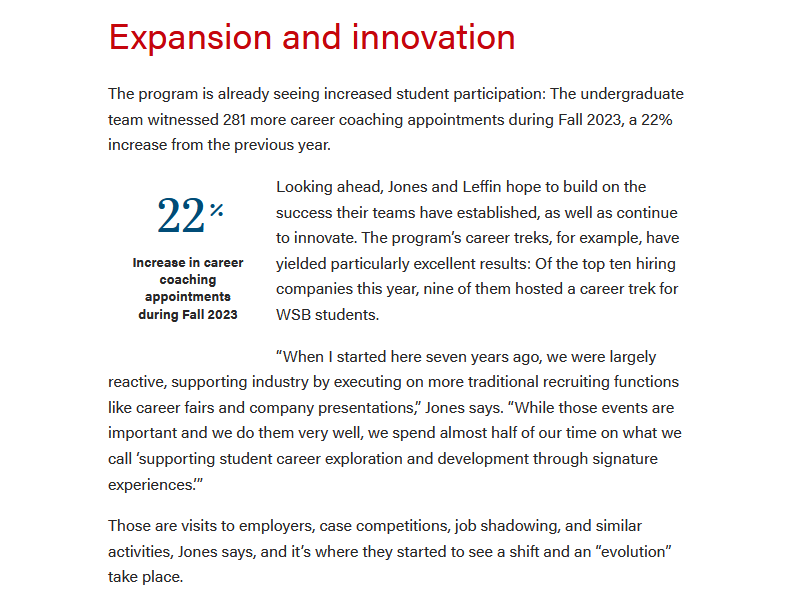
Source: A Banner Year: WSB Releases Employment Outcomes for Undergraduate Class of 2023 | Statistic/rankingDesktop view
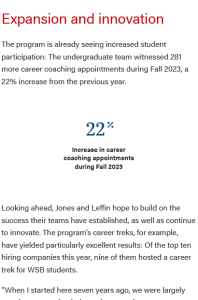
Tablet and mobile views
Source: A Banner Year: WSB Releases Employment Outcomes for Undergraduate Class of 2023 |






Anatomy*
- *This will be a future addition - see Material Design example for cards
- A diagram with labels for each feature/atom
Use When
- Start bullets with gerunds for consistency; the bullet should complete the phrase starting with "Use when..."
- Example: "Displaying a small amount of copy with a photo"
- (optional) Include a “Do Not Use When” subhead when needed
Editorial Guidelines
Follow our general Web Copy General Guidelines in addition to the following:
- Character limits for each feature with copy
- Notes about copy fields that should or should not be used together
- Tips for writing these guidelines
- Use bulleted lists
- Use affirmative language
- Limit to two sentences or less
- Edit and use fewer words!
Design Assets Needed
Images
Photo A (required/optional)
- Dimensions:
- Other details to note (e.g. keep faces vertically centered)
Photo B (required/optional)
- Dimensions:
- Other details
Implementation
ACF Fields
Other technical details we include in existing docs
Resources
- Figma mockup (link)
Tips
- Aside blocks are meant to be used with a very small amount of copy. (~100 characters or fewer)
- Asides should be used sparingly in a single article.
- Use 3 asides max in one article.
- Photos/icons should be square. This component will crop images to a square or circle, depending on which layout is selected.
- If using more than one aside, they should be separated by at least one paragraph.
Avoid this:

Please note that in the ACF field under Type, you will see statistic : Image - Icon, as it use to read statistic : Image - Statistic. I'm unable to change the first statistic as it will remove all the fields in the block in the editor. Also, In the SCSS file, Image - Icon field will be called callout-statistic.