
...
| Code Block | ||||||
|---|---|---|---|---|---|---|
| ||||||
<div class="name-title-company"> <div class="text-wrapper"> <p> <span class="name">Name</span> Title/Company Location </p> </div> <div class="divider"></div> <div class="image-wrapper"> <img /> </div> </div> |
Image + Text

- If you want an image next to some text.
- The "image-right" class can be removed if you want the image on the left instead.
- Where it says <img />, just use the Add Media button and add whatever photo you like. You do not need to edit the default classes wordpress adds.
- Make sure to include <p> tags around any text. You can have multiple paragraphs.
- Add the modal-quote class if you want quote styling like in the photo above: <p class="modal-quote">
| Code Block | ||||||
|---|---|---|---|---|---|---|
| ||||||
<div class="modal-image-text image-right">
	<div class="image-wrapper">
		<img />
	</div>
	<div class="text-wrapper">
		<p>Text Here.</p>
		<p>Second paragraph.</p>
	</div>
</div> |
Supporting Images
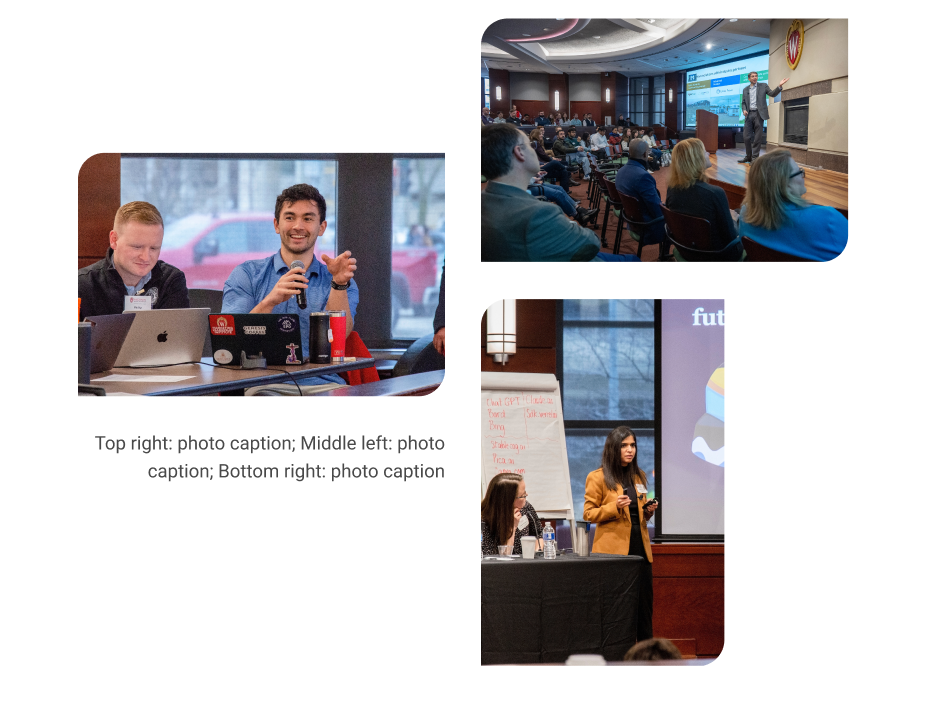
Staggered image collage
| Mixed image collage
|
|---|

...