
...
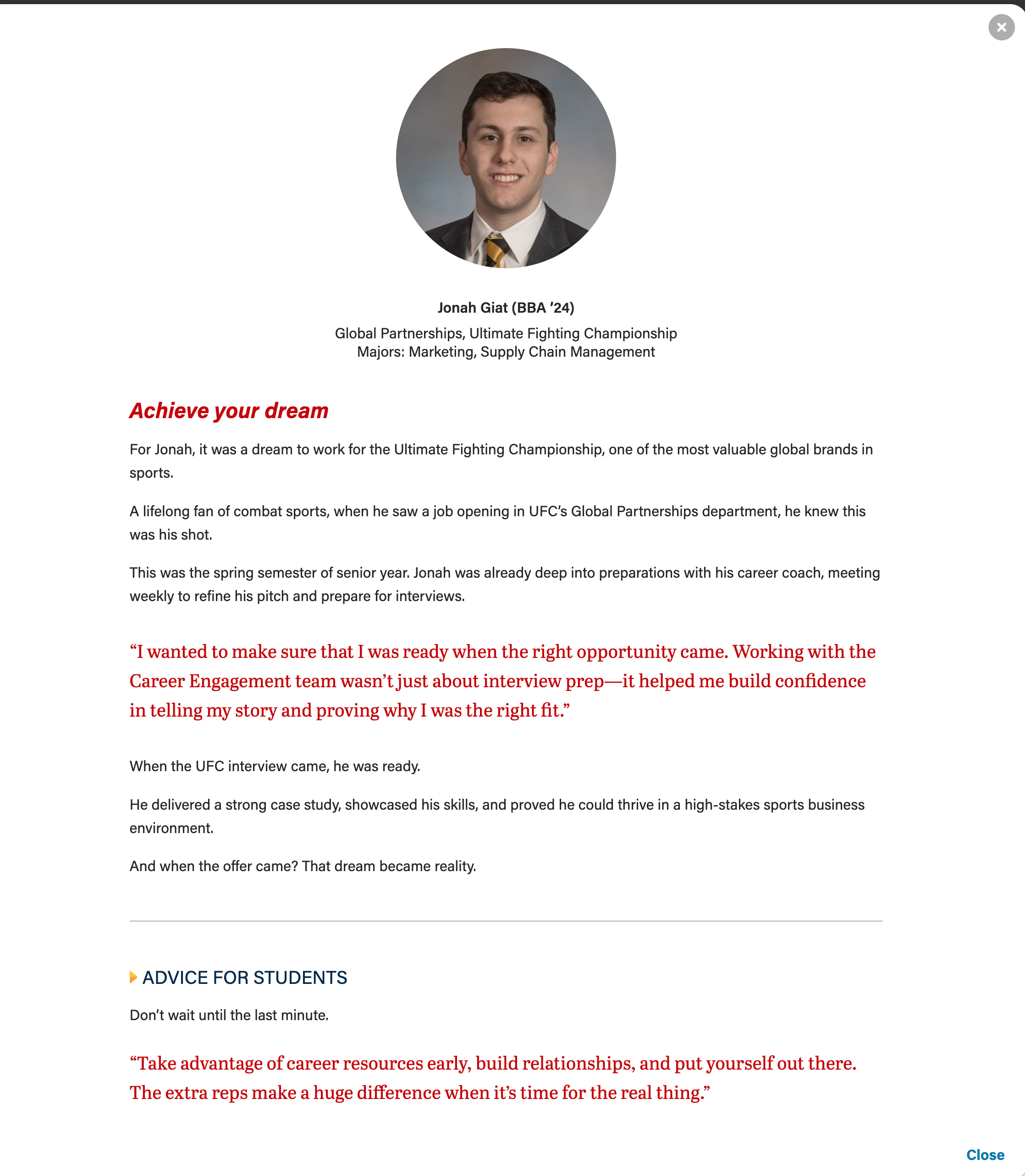
- Storytelling; sharing a person's profile or career background (examples: BBA Careers, Companies and Recruiters)
- A single card can display multiple details or subtopics for a single topic (example: AI Hub page)
- You have content to fill at least 2 cards and their modals (this component doesn't look as nice when there is only one card)
- This component works great when you have varying amounts of details for each topic. (e.g. when you have 2 detail paragraphs for topic A and 4 paragraphs for topic B)
- There
is - needs to be enough quality content such that interacting with the modal feels worthwhile to the user.
- Don't just fill the modal with fluff to try to make this component work. If it is a struggle to create enough content for each of the cards, consider using a different component with less copy and/or organizing the content differently.
- needs to be enough quality content such that interacting with the modal feels worthwhile to the user.
Editorial Guidelines
For the cards
...
Additional modal text content options:
|
ACF Fields
Card
Remind writer/strategist to limit the amount of copy in the cards, since more detail can be shown in the modal. This is especially true for the full-width photo layout, since we don't want the copy to wrap and be so tall it covers faces in the card photos.
- Microtitle (optional) - Keep this short.
- This content will display in the modal header by default. Set the "Display card microtitle in modal header?" field to "no" if you want to hide it in the modal
- Title (required) - This field must have content so the card has an html heading
- This content will display in the modal header by default. Add content to the "Modal Title Override" field to replace it.
- Card Supporting Copy (optional) - Used sparingly.
- Use this field OR the microtitle field, especially for cards with full-width background images.
- This content will not be displayed in the modal
- Card Image
- For circle crop - face must be centered in a square photo
- For full-width image - face should be in top 1/3 of the image
- If using a vertical photo for the card, you will need to add a horizontal version to the modal image override field for the image to display correctly at the top of the modal.
- Crop image to circle? - use for square images, including headshots
...