
-
Created by
 Sonia Villa on Feb 22, 2022
2 minute read
Sonia Villa on Feb 22, 2022
2 minute read
Design
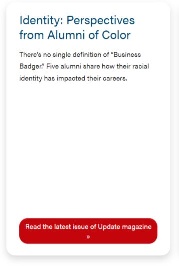
Card with no image
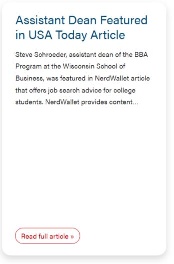
| Card with an image 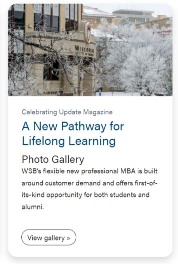 | Card pulling a post
|
|---|
Use Cases
Use when displaying content.
Fields
- You can manually select a post from the dropdown.
- Note: Since the dropdown pulls all posts, you can type the title of a post to filter through them.
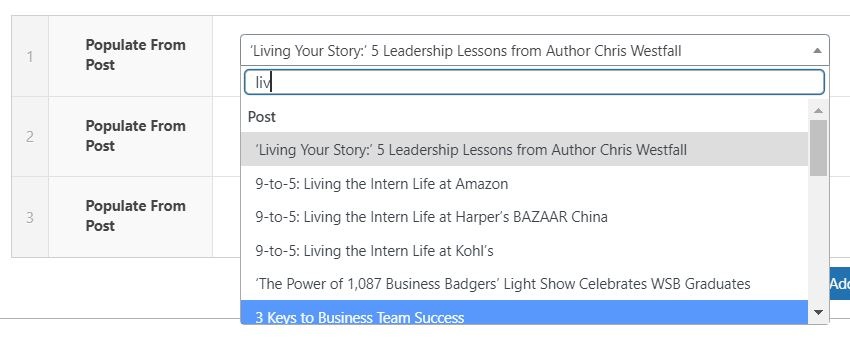
Note: When pulling a post, a CTA is automatically created. The CTA text is "Read full article", and you can select the style of the CTA.
Title
- Add the title of the card.
- Note: The class of the title depends on the Title Heading Size under Introduction. For example, if Title Heading Size is h2, the card title will be h3.
Subtitle
- You can add a subtitle to the card. This subtitle is displayed below the card title.
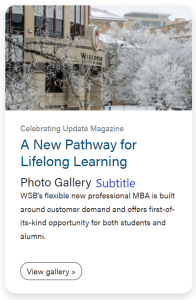
Image
- You can add an image from the Media Library to the card.
Microtitle
- You can add a microtitle to the card. This microtitle is displayed above the card title.
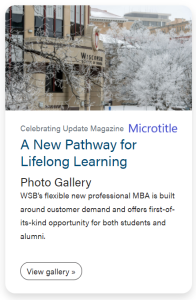
Content
- Add the content of the card.
Link
- You can add a link to a card.
CTA Style
- Select the style of the CTA of the card and footer CTA. Default style is primary.
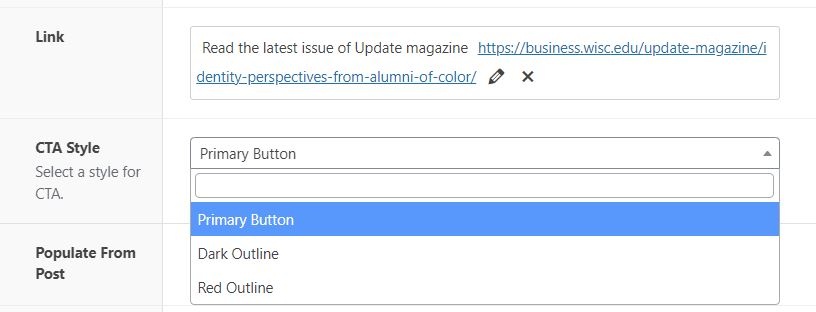
- You can adjust the ratio of the image. Default ratio is 16x9.
Stretch Link
- Check to add hover effect to the card.